Best Laptops for Software Engineers & Machine Learning in India (2026)
A software development laptop must strike the right balance between single-core compilation speed, multi-core container multitasking, thermal efficiency, keyboard ergonomics, and battery longevity. We tested top developer laptops across Xcode, Docker, PyTorch, and Next.js workloads.
Apple MacBook Pro M4 (16GB RAM)
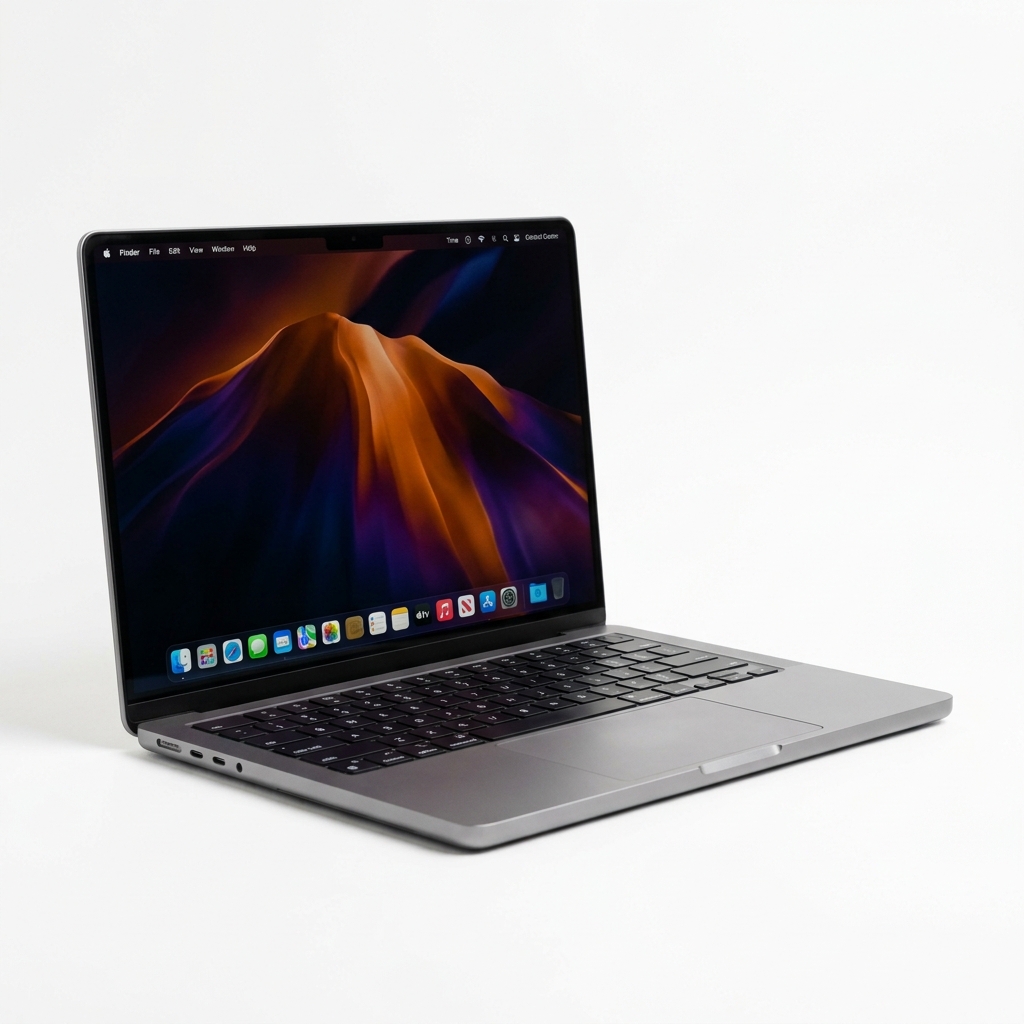
Best For: Software engineers running Xcode, Docker, VS Code, and needing 18+ hours battery life.
Key Technical Specs
- 10-core CPU with 4 performance cores & 6 efficiency cores
- 14.2-inch Liquid Retina XDR screen with 1,600 nits peak brightness
- Unmatched 18+ hours battery life during active development
- 16GB unified memory & 512GB high-speed SSD
Pros
- • Near-instant Xcode & Node.js compilation speed
- • Completely silent fan operation under normal coding loads
- • Supports dual external displays with laptop lid open
Cons
- • Non-expandable unified RAM after purchase
- • Higher entry price
The MacBook Pro M4 is our top overall pick for developers, offering unbeatable compilation speed and battery life.
Check Price on Amazon.inProduct prices and availability are accurate as of the date/time indicated and are subject to change.
ASUS ROG Strix G16 (2026)
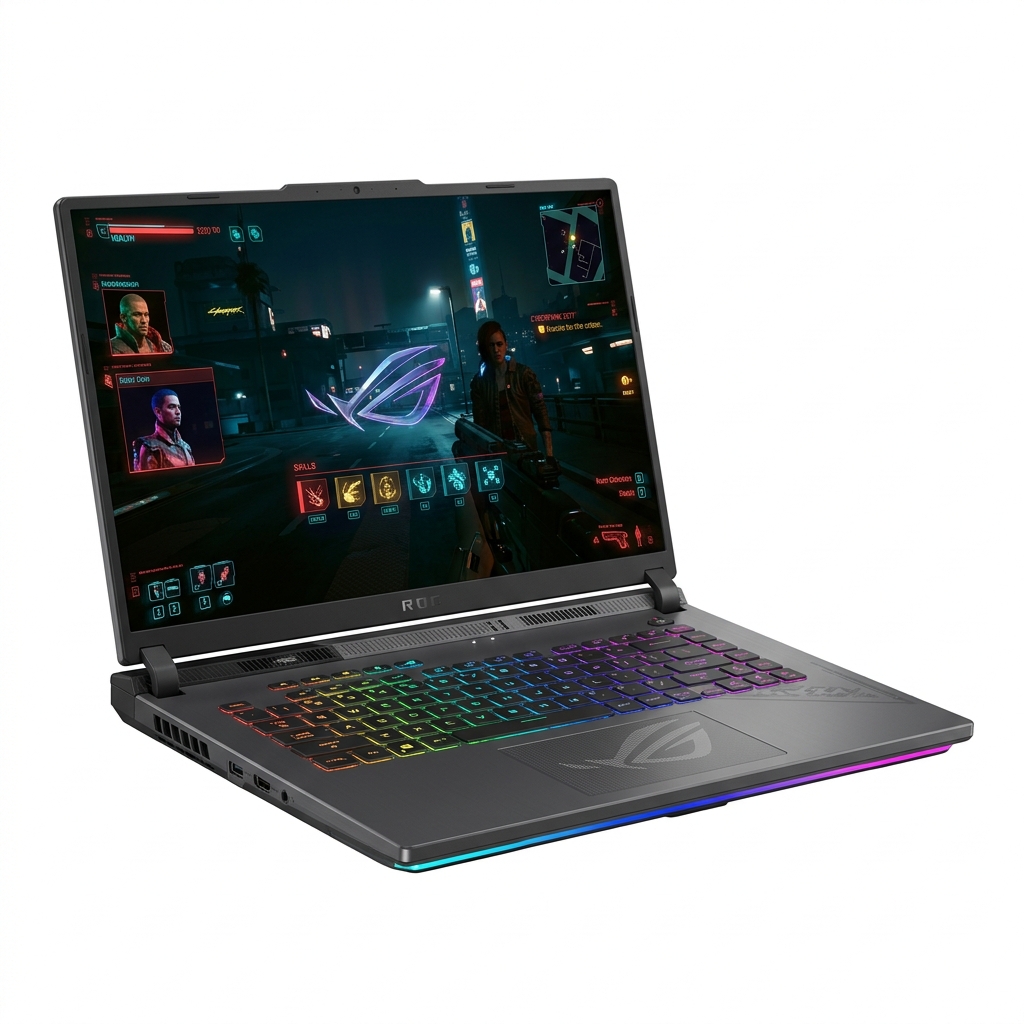
Best For: AI/ML developers running CUDA PyTorch training models, 3D rendering, and heavy local microservices.
Key Technical Specs
- Intel Core Ultra 9 275HX processor (24 cores / 32 threads)
- NVIDIA GeForce RTX 5070 Ti 8GB VRAM GPU with CUDA support
- 16-inch 2.5K 240Hz ROG Nebula Display
- 32GB DDR5 RAM (expandable to 64GB)
Pros
- • RTX 5070 Ti GPU accelerates PyTorch and TensorFlow ML models
- • Dual M.2 NVMe SSD slots & upgradeable DDR5 RAM slots
- • 2.5K 240Hz Nebula screen with 100% DCI-P3 color accuracy
Cons
- • Heavy 2.5kg weight & large power adapter
- • Fan noise under 100% GPU training load
For developers needing local NVIDIA CUDA acceleration for AI model training alongside Windows/Linux dev workflows, the ROG Strix G16 is an absolute powerhouse.
Check Price on Amazon.inProduct prices and availability are accurate as of the date/time indicated and are subject to change.
Which Developer Laptop Should You Buy?
If you want maximum battery life, zero fan noise, and rapid web/iOS compilation, get the Apple MacBook Pro M4. If you require CUDA acceleration for machine learning training models or Windows/Linux compatibility, pick the ASUS ROG Strix G16.
Our Top Pick
Apple MacBook Pro M4
Product prices and availability are accurate as of the date/time indicated and are subject to change.
Abhay Gupta
Hardware & Computing EditorBased in Jabalpur, Madhya Pradesh, India · TechSelect Testing Team
Abhay leads laptop and workstation testing at TechSelect. He conducts standardized Xcode compilation benchmarks, Docker stress testing, and thermal throttling evaluations.
Frequently Asked Questions
Q1:Should software engineers choose macOS or Windows/Linux for development in 2026?
macOS is generally preferred for web, frontend, iOS, and cloud engineers due to its Unix foundation, power efficiency, and seamless Xcode support. Windows/Linux laptops with NVIDIA GPUs are essential for machine learning engineers requiring CUDA acceleration for PyTorch.
Q2:How much RAM is mandatory for software development in 2026?
16GB is the absolute minimum standard for modern web development. If you regularly run multiple local Docker containers, local LLMs, or Android/iOS simulators simultaneously, 32GB RAM is strongly recommended.